
A Full Meet Ecosystem
Built in Entries and Meet Management
Handle everything behind the meet by managing entries, events, heats and results from one connected system.

Live Results with Built in Gamification
Results sync to the Immerse Results app where swimmers can follow their races, track their performance and unlock rewards as they progress.

Equipment and Displays
Starter systems, timing infrastructure, speakers and displays connect directly with your meet system and support races as they happen.
Race Meet Operations
Everything you need to run a swim meet.
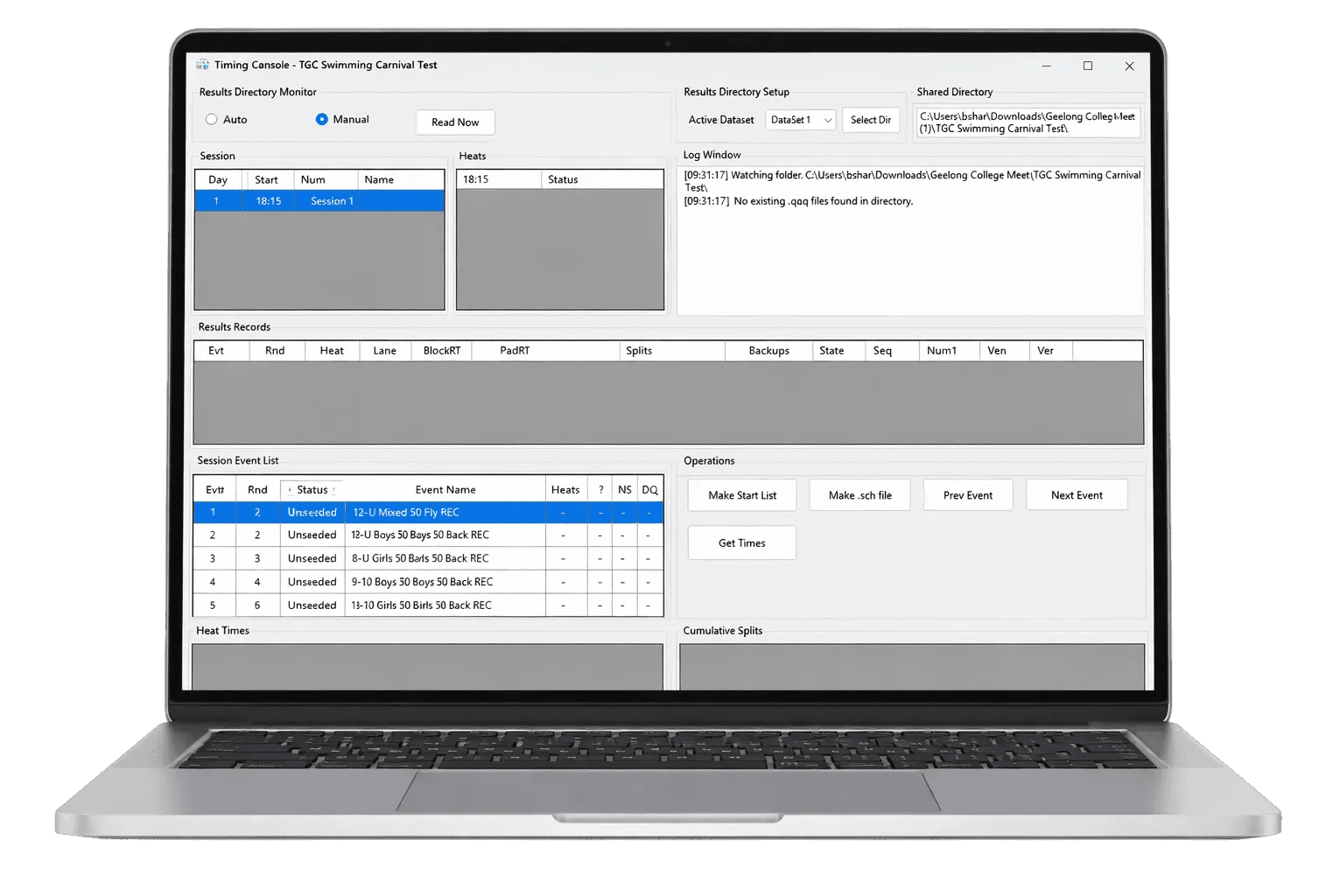
Meet Management
Create your meet, manage entries, run races and process results in one central system.
Explore Immerse Manager
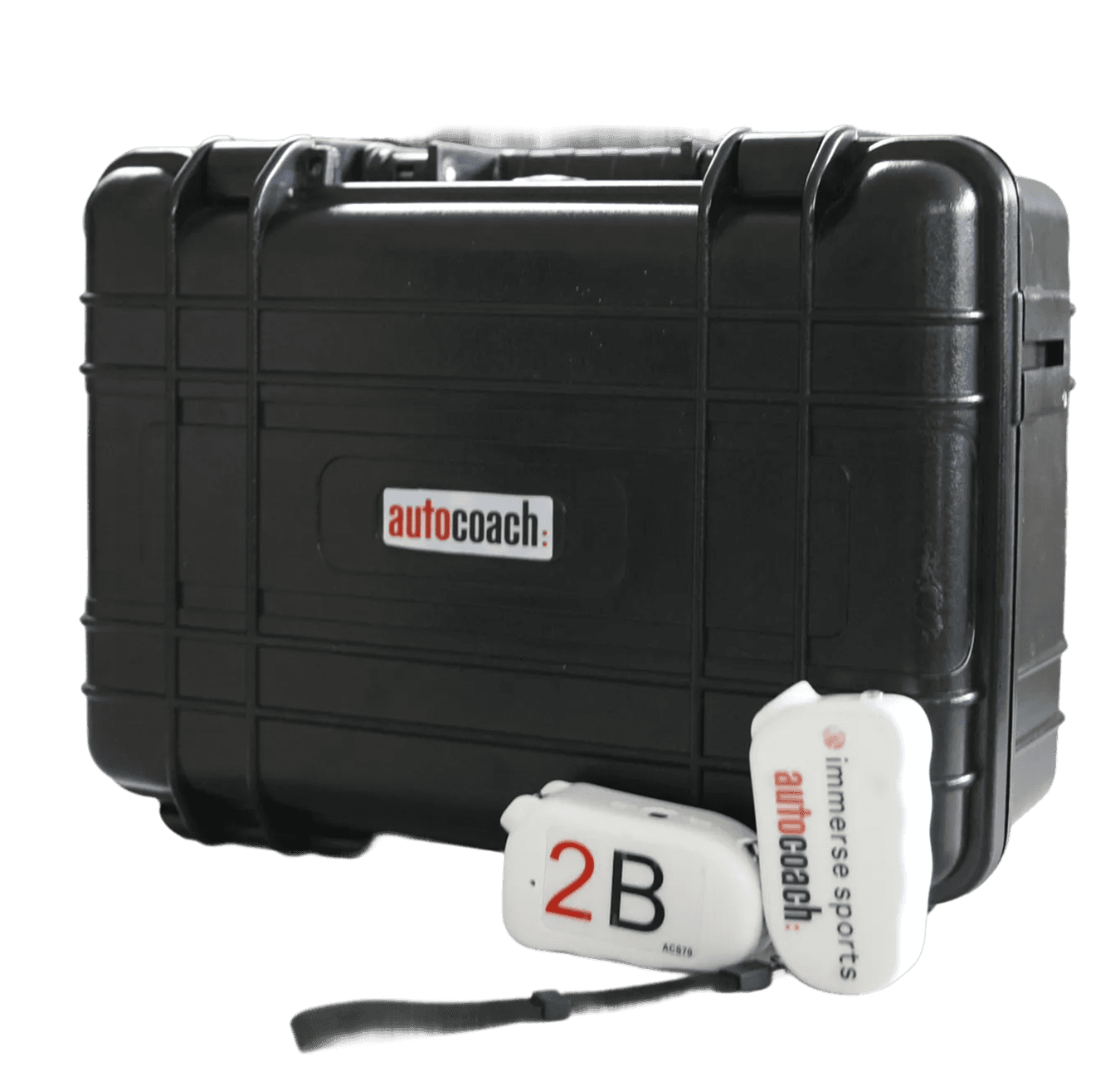
Timing
Start races, capture times, and record splits with reliable timing and starting equipment.
Explore Timing Equipment
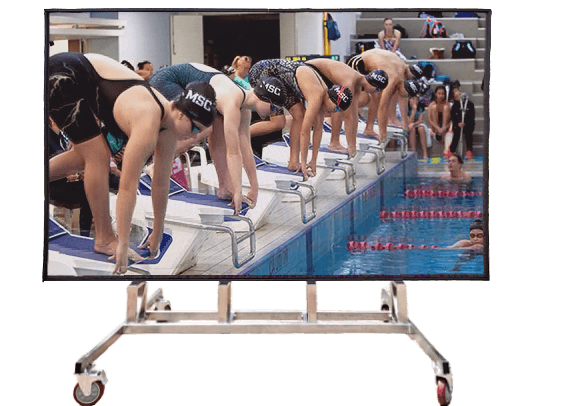
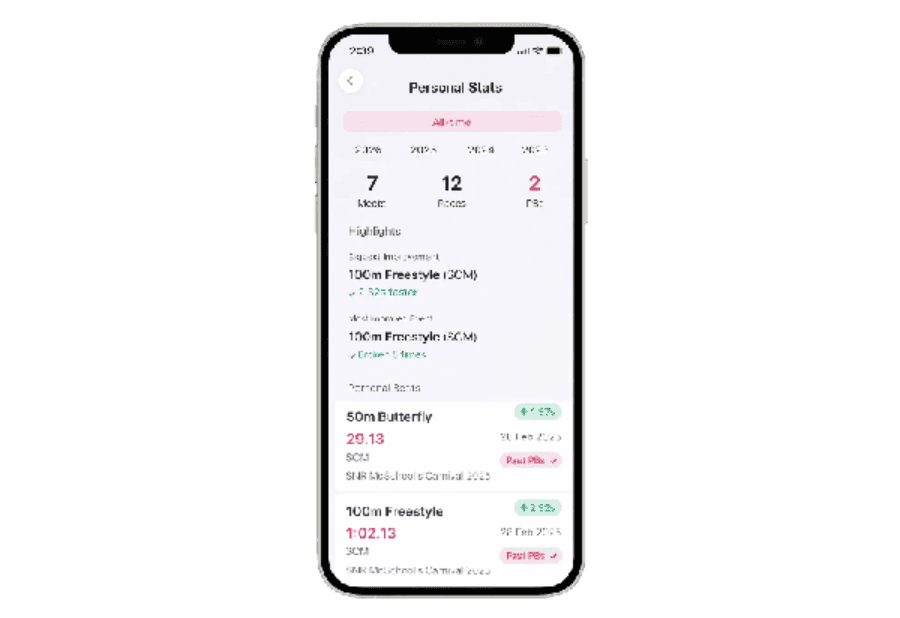
Live Results
Send race results straight to the Immerse Results app for swimmers and parents to view.
Explore Live Results
Support You Can Count On

Consultation
We review your current equipment, identify what you need and assess how everything will work together. From there, we recommend the right hardware setup for your venue.

Training
Training can be delivered in person or virtually, guiding your team through system setup, meet execution and running a swim meet.

Online Resources
Our technical team is available to assist with questions when you need support. You can also access our articles, and support materials on our website anytime.